
Tabhive for iPhone and iPad
Your saved tabs, in your pocket.
The official Tabhive app for iOS. Everything you save in Chrome is on your phone, and anything you find on your phone goes straight into the right group.
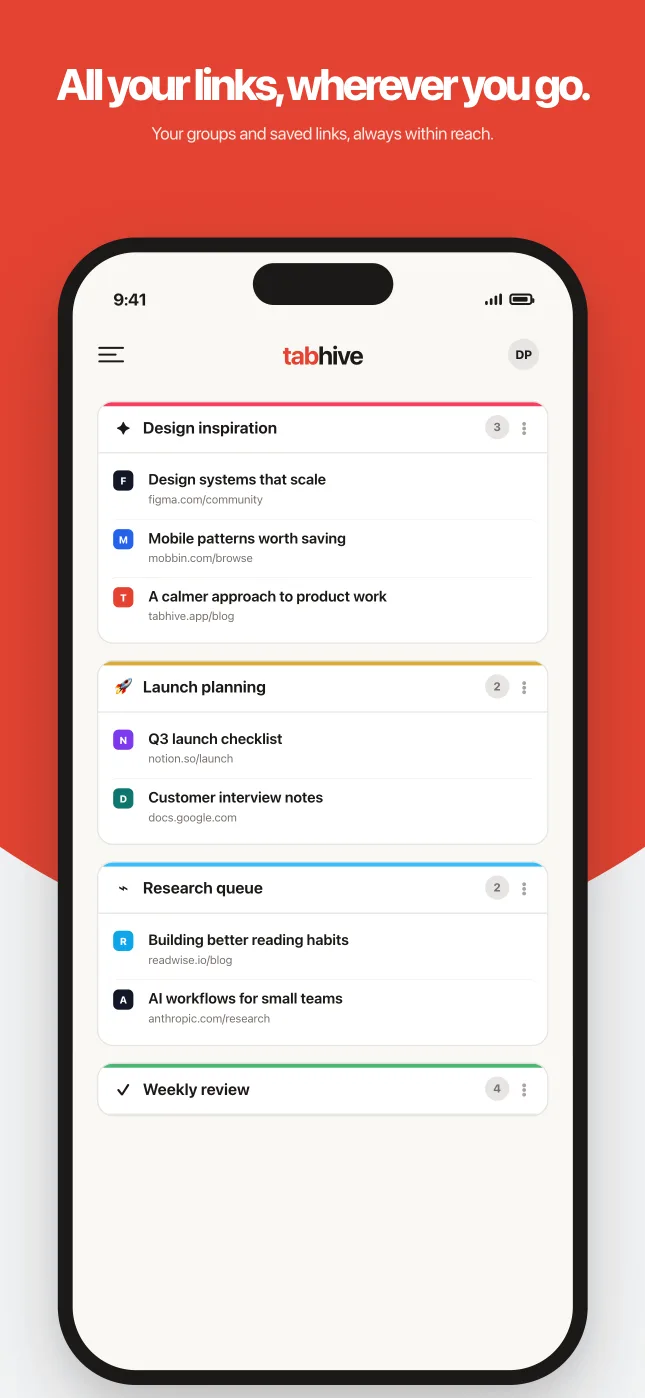
- Browse and open every link you've saved.
- Save links from Safari or any app with the share sheet.
- Ask Tars to find what you saved.

Free to download. Requires iOS 16.4 or later.
Highlights
Built for the moments you're away from your desk.
Sync
Everything stays in sync.
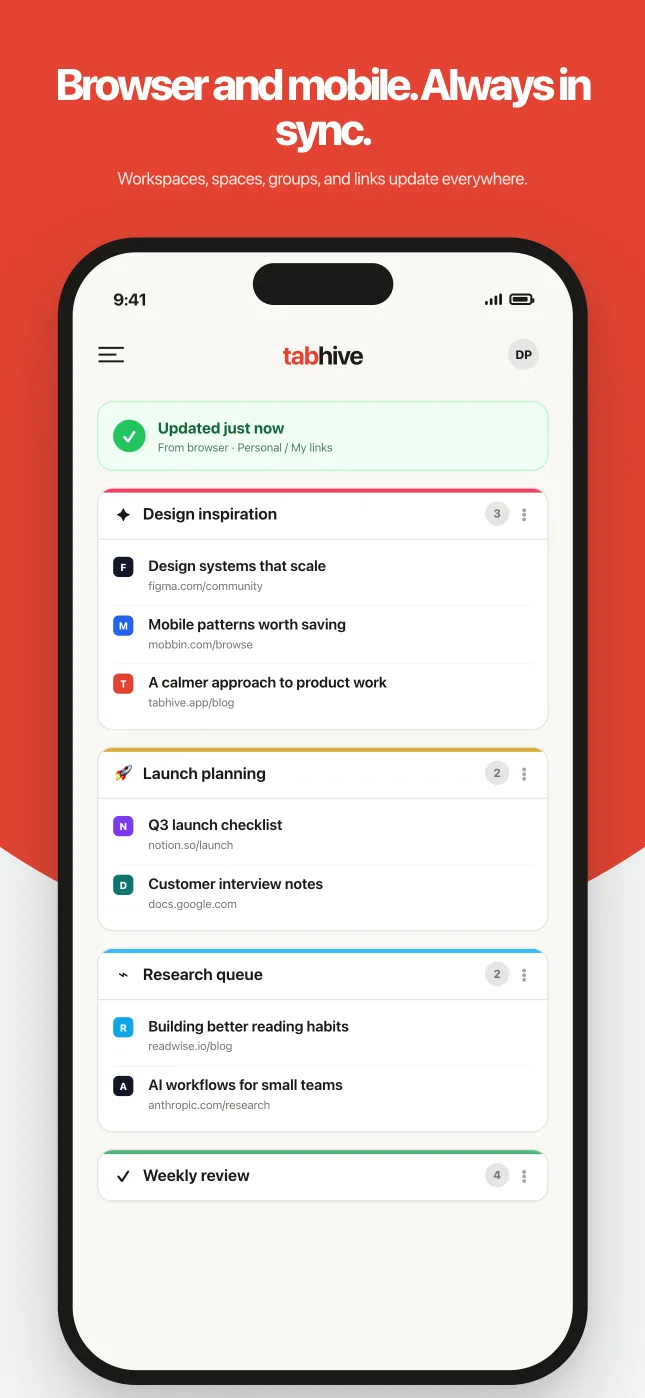
Save a tab in Chrome on your laptop and it's on your phone the next time you open the app. Groups you create or reorder on iPhone show up in the extension the same way.
- Same workspaces, spaces and groups as the extension.
- Switch between your personal and shared team workspaces.
- Sign in with Apple or your existing Tabhive account.
Share sheet
Save links from any app.
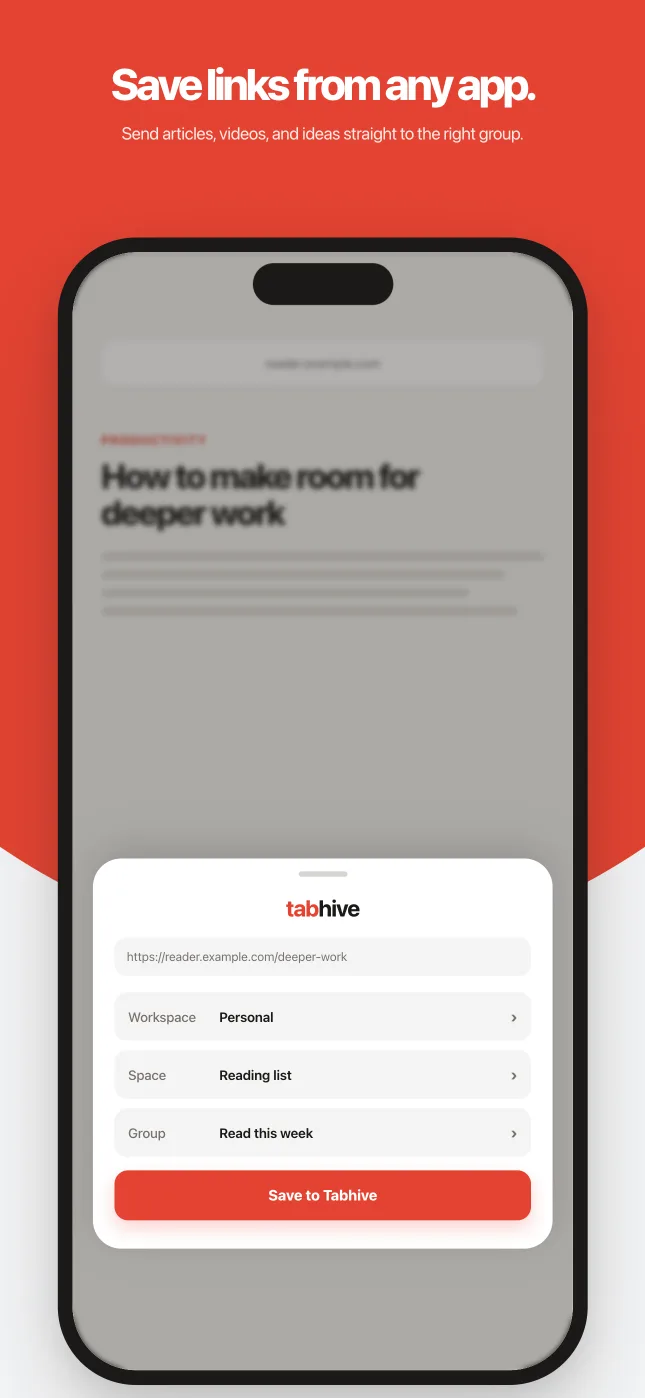
Reading something in Safari, YouTube or X? Tap Share, pick Tabhive, choose a workspace, space and group, and it's saved. You never have to leave the app you're in.
- Works from Safari, Chrome and any app with a Share button.
- Pick exactly where the link goes before you save it.
- Saved links appear in the Chrome extension right away.
Tars
Ask Tars to find anything.
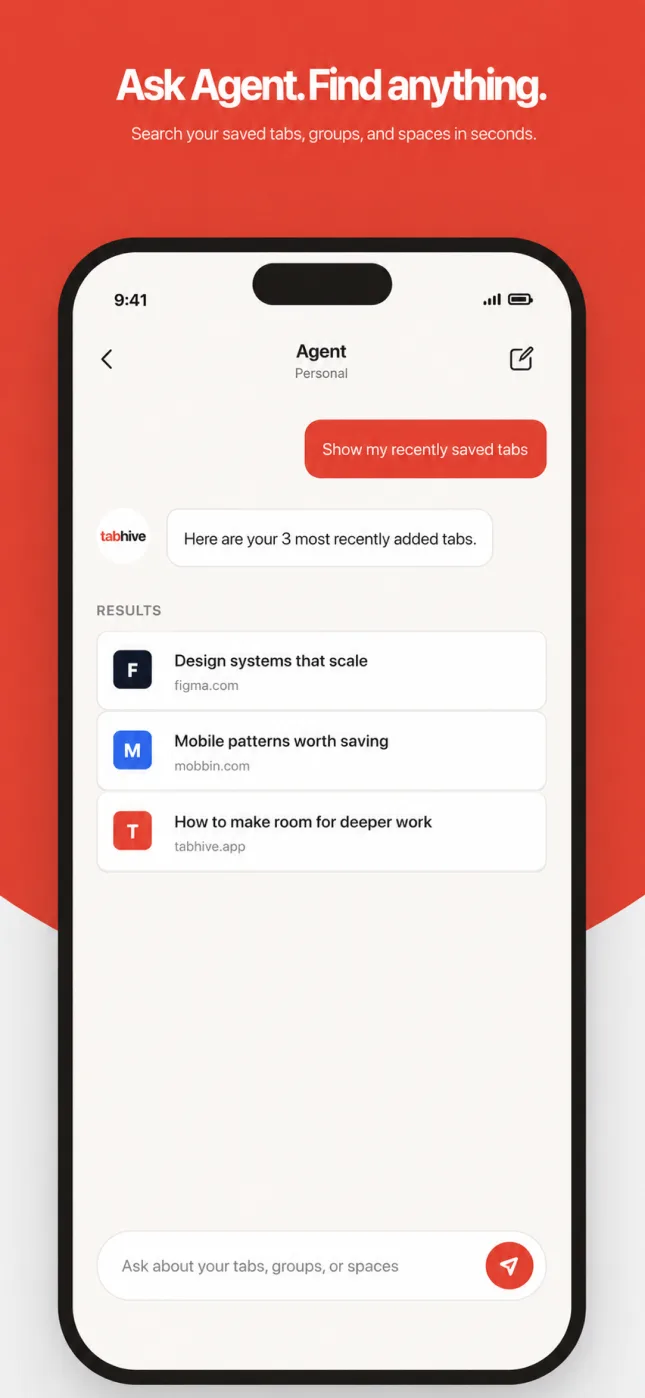
Tars is the Tabhive agent. Ask it in plain language for that article you saved last month, or what's in a group, and it answers with links you can open.
- “Show my recently saved tabs.”
- “List all my spaces.”
- Tap a result to open the link or jump to it in your library.
Features
Everything you can do in the app.
The iOS app isn't just a viewer. You can save, organize and find your tabs without opening a laptop.
Browse your library
Open any workspace, space and group, and tap a link to open it.
Save from the share sheet
Send links from Safari or any other app straight into a group.
Add links by hand
Paste a URL, give it a title, and drop it into a group.
Add notes to links
Write down why a link matters so it makes sense later.
Create spaces and groups
Set up a new project or reading list from your phone.
Drag to reorder
Press and hold to put groups and links in the order you want.
Archive and tidy up
Archive or delete groups you're done with, and remove old links.
Search everything
Find saved links, groups and spaces from one search box.
Ask Tars
Chat with the Tabhive agent about anything you've saved.
Shared workspaces
Switch to your team's workspace and see what everyone saved.
Sync with Chrome
Changes on your phone and in the extension stay in step.
Light and dark mode
The app follows your iPhone's appearance setting.
Frequently Asked Questions
Yes. Tabhive is on the App Store for iPhone and iPad. It uses the same account as the Chrome extension, so everything you've saved is already there when you sign in.
The app is free to download and works with the Free plan. Tars, the Tabhive agent, needs a Pro, Lifetime or Team plan. You can buy the Lifetime plan inside the app, or restore it if you already bought it.
Open the page in Safari, tap the Share button, then tap Tabhive. Choose a workspace, space and group, and tap Save to Tabhive. If you don't see Tabhive in the list, scroll to the end of the app row, tap More, and turn it on. Sign in to the Tabhive app once before using the share sheet.
Yes. Switch workspaces from the top of your library to see a shared workspace. You can save links into it from the share sheet too.
iPhone and iPad running iOS or iPadOS 16.4 or later.
Take your tabs with you.
Download Tabhive for iPhone and iPad, sign in, and your library is ready.